

Dashboard tour
The Admin dashboard is the private control room for one microfeed channel. Its left navigation stays consistent while the main panel changes for each task.
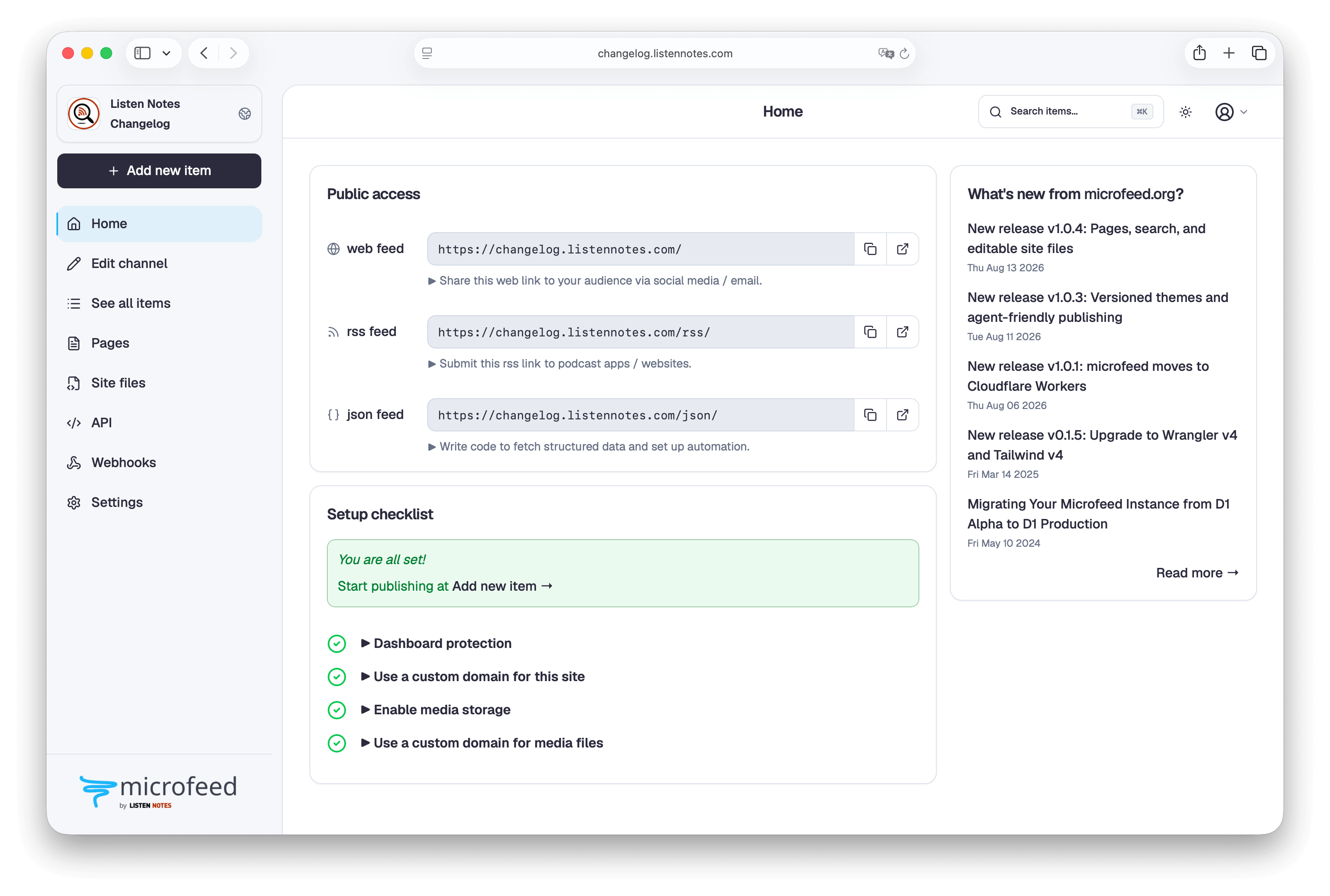
Main areas
Section titled “Main areas”Add item opens the publishing form. Use it for a post, external URL, image, audio, video, or document.
See all items lists everything in the channel. Sort the list, open a public page, or edit an existing item.
Edit channel manages the channel image, title, publisher, website, categories, language, and description.
API opens a dedicated area for availability, API keys, an interactive browser explorer, and public API documentation formats.
Webhooks opens Overview, Endpoints, Event explorer, and Deliveries. It shows whether infrastructure was never provisioned, is enabled, or is disabled with its Queue preserved. It summarizes configured endpoints, daily delivery usage, Queue operations, and failures. Endpoints manages destination URLs, subscriptions, status, and signing secrets. Event explorer previews exact payloads and sends signed tests. Deliveries shows attempts, response diagnostics, suppression reasons, and redelivery controls. Start with Webhooks and integrations before connecting an endpoint, and use webhook operations for retries, budgets, recovery, and cost accounting.
Settings manages website themes and shared code, tracking URLs, subscribe methods, site access, media storage, feed ordering, and favicon. It does not contain the Edit channel form. See Themes and website code and Site access for the two appearance and availability workflows.
The channel control at the top of the sidebar links directly to the public website, RSS feed, and JSON feed. The top bar also contains item search, theme, and user menus. Select Search or press Command+K on a Mac or Ctrl+K elsewhere. The dialog first shows the five most recently updated items; type at least two characters to search titles. Account settings in the user menu manages login identity, passkeys, dashboard sessions, and microfeed CLI computer connections. On small screens, the menu button opens the sidebar as a drawer.
Light and dark dashboard themes
Section titled “Light and dark dashboard themes”The theme menu offers Light, Dark, and System. This changes only the Admin, login, and password-setup experience; the public website uses the public theme chosen under Settings.
Every procedure in these docs names the control to use and the result to expect, so you can follow it without needing a screenshot.